



If you’ve ever watched a VPN advert, you’d think hackers are personally watching you browse right now. The tone is always breathless: download this app, or everything you do online is exposed. The truth is calmer than that — and more useful. A VPN does change what certain people can see about your browsing. It doesn’t change as much as the adverts suggest. Whether you need one depends mostly on how you use the internet, not on how scared the ads make you.

What a VPN actually does, in plain language
Normally, when you open a website, your device connects to it through your internet provider. Everyone in the middle — your internet provider, and anyone snooping on the same network as you — can see which sites you’re visiting.
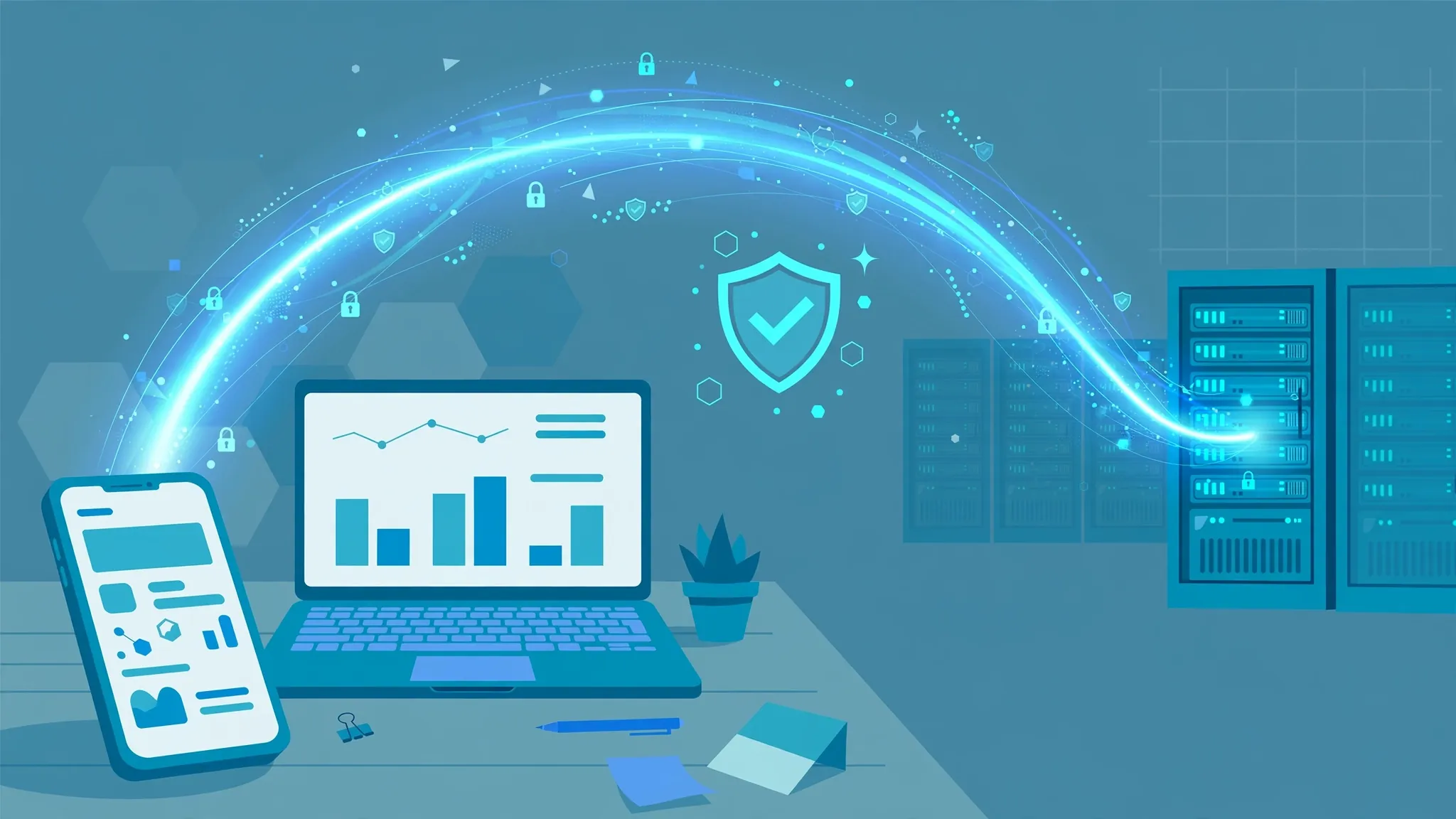
A VPN changes the route. When you connect, your device first builds an encrypted tunnel to one of the VPN company’s servers. All your internet traffic travels through that tunnel, and the VPN server then fetches websites on your behalf. The US Federal Trade Commission explains it this way: a VPN app can make your traffic appear to come from the VPN’s servers, and anyone monitoring your network connection only sees gibberish — even on an unsecured network.
Two things result from that arrangement. First, the websites you visit see the VPN server’s address instead of yours, so your real IP address is hidden from them. Second, your internet provider and anyone on your local network can see that you’re using a VPN, but not what you’re doing through it.
Who can see your browsing — before and after a VPN
Without a VPN, your internet provider can see which websites you visit, how long you spend on them, and details about your devices. A US consumer protection report cited by Consumer Reports found that many providers share far more of this data — browsing history and location data among it — than customers expect. If you use public Wi-Fi at a café or airport, others on that network can potentially watch unencrypted traffic too.
With a VPN, your provider and the café network lose that view. But here’s the part the adverts skip: someone still has a complete view of your browsing — the VPN company itself. As Consumer Reports puts it, using a VPN hides your traffic from your ISP, but the VPN provider sees it all instead. You’re not removing the watching. You’re moving it from one company to another.
And even with a VPN, you’re not invisible to the websites you use. The FTC’s advice on VPN apps makes this point plainly: a site can still use any identifying information you directly share with it — like filling in a form with your email address — to track you. Log into Google, Facebook, or Amazon through a VPN, and those companies know exactly who you are, regardless of which IP address you’re coming from. Trackers in your browser don’t stop working either; they’re covered in what happens when you click “Accept All Cookies”.
Three situations where a VPN genuinely helps
A VPN isn’t useless — far from it. There are three common situations where it genuinely changes your privacy:
You use public Wi-Fi a lot. Hotel, airport, and café networks are where a VPN earns its keep. On an open network, other people on the same connection can potentially intercept what you’re sending. The encrypted tunnel takes that snooping off the table.
You don’t want your internet provider logging your browsing. If the idea of your provider collecting and possibly selling your browsing history bothers you, a VPN is the practical answer. It can’t see what it can’t read.
You want websites to see a different location. Because your traffic appears to come from the VPN’s servers, a VPN can make it look like you’re browsing from another city or country. The FTC notes this works much like a company VPN letting an employee appear to be on the office network while travelling.
What a VPN will not do for you
This is where the adverts get creative, so let’s be precise. A VPN does not:
Protect you from malware or phishing. If you download a dodgy attachment or hand your password to a scammer, the encrypted tunnel doesn’t intervene. Scams that arrive by text or email are entirely outside a VPN’s reach — if QR-code scams are your concern, look twice before you scan that QR code instead.
Make you anonymous. A VPN hides your IP address, but anonymity needs far more than that: a fresh device, no logged-in accounts, no identifying details typed into forms. For almost everyone’s daily browsing, “anonymous” is not what a VPN delivers.
Stop websites from recognising you. If you’re logged in, or you’ve accepted the site’s tracking cookies, the site doesn’t need your IP address to know who you are.
Speed up your internet. Routing your traffic through another server adds a step. Most good VPNs slow you down only a little, but no VPN makes a slow connection fast. (Some ISPs deliberately slow certain traffic — “throttling” — and a VPN can sometimes get around that, but it’s the exception, not the rule.)
Replace private browsing. A VPN and private or incognito mode do different jobs: one hides your traffic from your network, the other keeps your browsing history off your own device. Here’s what incognito mode actually hides — and what it doesn’t.
You’re moving your trust, not removing it
The single most important thing to understand about VPNs is this: the company running your VPN can see everything your internet provider used to see. So choosing a VPN is really choosing which company you trust with your browsing history.
That choice deserves more care than the adverts suggest. The FTC has warned users to research VPN apps before downloading, after a study of 300 VPN apps found many didn’t actually use encryption, requested sensitive permissions, or even sold user information to third parties for advertising. A free app promising total privacy may be monetising exactly the data you’re trying to protect.
Consumer Reports independently tested VPNs and found a few that stood out for genuinely strong privacy and security protections — Mullvad, IVPN, and Mozilla VPN. What those had in common is worth knowing: privacy policies written for actual humans, client software that’s open source so outside researchers can inspect it, and independent third-party security audits with the results published. That’s the kind of evidence worth looking for, whatever provider you’re considering.
So, the honest answer: do you need one?
Here’s the calm version, without the scare tactics:
If you mostly browse at home on your own Wi-Fi, on sites that already use encryption (the padlock in the address bar), a VPN is optional. Your biggest privacy exposures are the accounts you’re logged into and the data you hand out — a VPN touches neither.
If you regularly work from cafés, airports, or hotels, a VPN is genuinely worth it. Public networks are the one place where the encrypted tunnel protects you from real, practical snooping.
If you want your internet provider out of your browsing history, a reputable paid VPN is the way to do it — paid, because running servers costs money, and a provider that isn’t charging you is getting paid by someone else.
And if you do get one, pick it the way you’d pick anything you’re trusting with sensitive data: look for published independent audits, open-source apps, and a privacy policy you can actually read. The adverts want you to panic and click. You’d do better to spend twenty minutes reading before you spend a penny.













Comments 1