



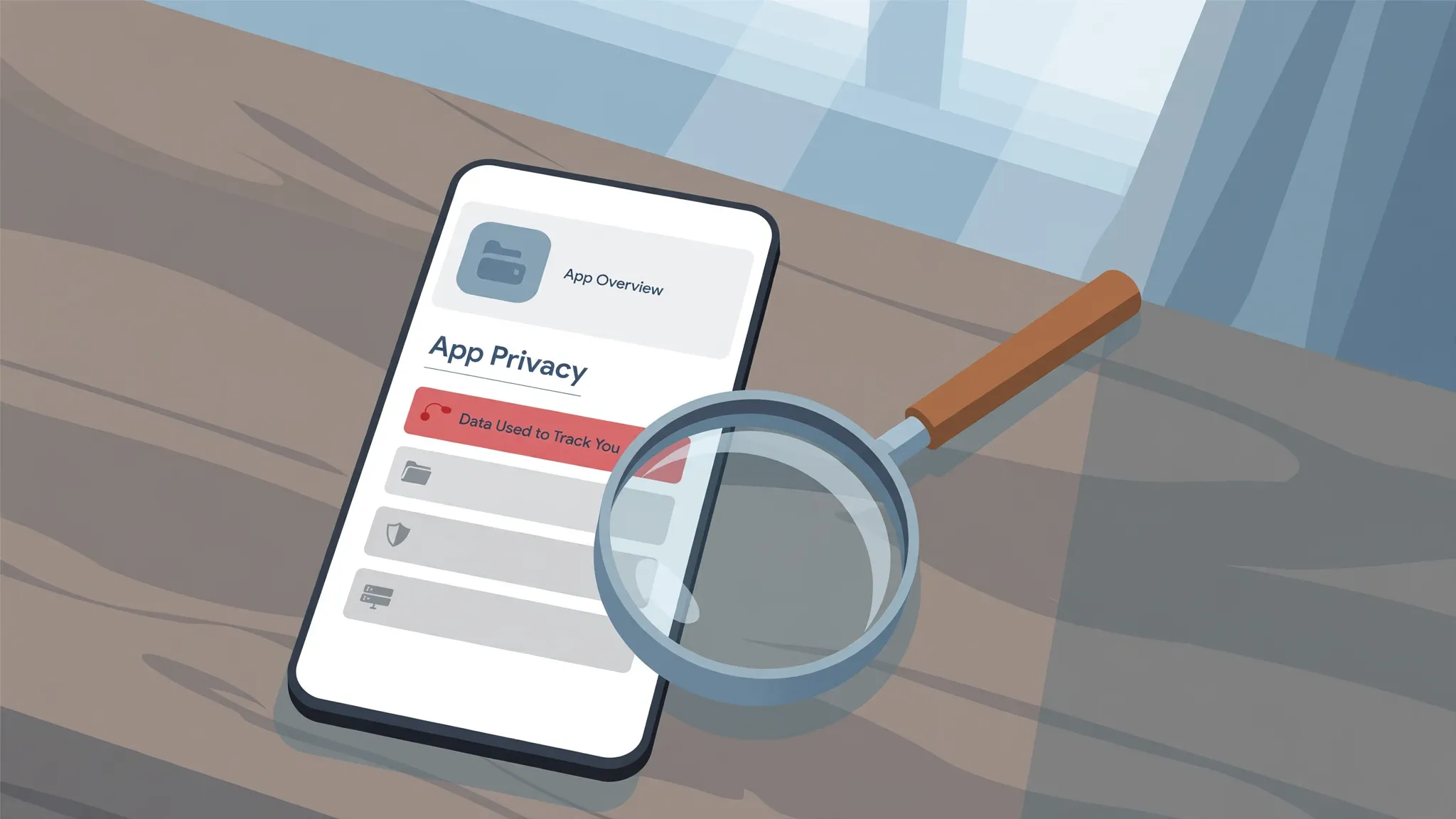
Imagine two free note apps with the same star rating. You pick the first one listed, it works fine, you forget about it. What you never noticed is that one of them asks for nothing beyond the storage it needs to save your notes — while the other quietly collects your precise location and shares it with an advertising company. You could have known which was which before ever tapping install. Every app listing carries the answer, sitting just below the screenshots, where almost nobody scrolls.

The part of the app listing almost nobody reads
Both Apple and Google now make developers spell out, right on the listing, what user data an app collects and what happens to it. Apple calls the section “App Privacy” and started requiring it on every listing back in late 2020. Google’s version is the “Data safety” section, which rolled out in 2022. One thing to know upfront: these labels are filled in by the app’s developer, not written by Apple or Google. Think of them as a signed declaration rather than a verdict — useful, but worth reading with your eyes open.
Apple’s four boxes, and what “tracking” actually means
On an App Store listing, scroll past the screenshots and reviews until you reach “App Privacy”, then tap “See Details”. The disclosure breaks into four categories:
- Data Used to Track You — data the developer connects to information from other companies for advertising purposes, or hands to a data broker.
- Data Linked to You — data tied to your identity, through your account, your device, or other details.
- Data Not Linked to You — data that’s collected but not tied to who you are.
- Data Not Collected — exactly what it says: the app collects nothing in this category.
It’s worth knowing that Apple uses “tracking” in a narrower sense than most people do. It doesn’t mean “the app knows where I am”. It means data about you or your device gets linked with third-party data — information collected by other companies’ apps, websites or businesses — for targeted advertising or ad measurement, or that your data gets shared with a data broker. There are two stated exceptions: data that’s combined only on your own device and never sent off it in an identifying way doesn’t count, and neither does a data broker using data solely for fraud detection or security on the developer’s behalf.
Google’s version: the Data safety card
On a Google Play listing, the “Data safety” section answers a slightly different set of questions. It lists which data types the app may collect and, separately, which it may share with third parties — and the distinction matters. An app can collect your email to run your account without sharing it with anyone else, and the card will show that honestly.
The card also states whether the developer says your data is encrypted in transit, whether you can request that your data be deleted, and sometimes that the app has been independently reviewed against a global security standard. That last badge sounds like someone checked the label itself, but Google’s own help pages say plainly that it doesn’t: the independent review validates the app’s security practices, not the accuracy or completeness of the Data safety disclosure.
Where the label stops being useful
A few honest caveats, because the label is better than nothing but not a guarantee. First, developers fill these forms in themselves, and while Apple and Google review them, neither company can audit every claim in every app. Second, some perfectly ordinary data handling doesn’t show up at all: Google says data that never leaves your device, data processed only briefly to answer a single request, and data sent with end-to-end encryption doesn’t have to be declared as collected. So “no data collected” sometimes means “no data collected that we had to declare”.
Third — and this is the important one — a scary label should be trusted, while a clean label is only a good sign. If a simple calculator app lists precise location and identifiers under “Data Used to Track You”, believe it. If a notes app shows “Data Not Collected” across the board, that’s reassuring, but it isn’t proof. Treat the label like a first impression: red flags count, green lights just let you proceed calmly.
A one-minute check before you install
Reading a label takes less time than reading the reviews. On the App Store, open the app’s listing, scroll down to “App Privacy” and tap “See Details”. On the Play Store, scroll to the “Data safety” section on the listing and tap “See details”. Then just scan for the things that matter:
If you’re choosing between two similar apps, open both labels side by side. A notes app that lists nothing under “Data Linked to You” next to one listing contacts, location and device identifiers is telling you something real about the two businesses behind them. On Play, watch for the line “This app may share these data types with third parties” followed by location or personal info — and check whether “You can request that data be deleted” is present, especially for an app you’ll try once and possibly abandon.
And remember that the label only covers what the developer does with data, not what the app is allowed to touch. That’s a separate question — one answered by the app permissions on your phone, which are worth reviewing on their own. The two work best together: the label tells you the developer’s story, the permissions show you what the app can actually reach.
None of this takes long, and you only need to do it for the apps that will hold your life: messengers, photo backups, fitness trackers, anything tied to your money. For the rest, a glance is enough. The information was always there, right under the screenshots. Now you know to look.













Comments 1