



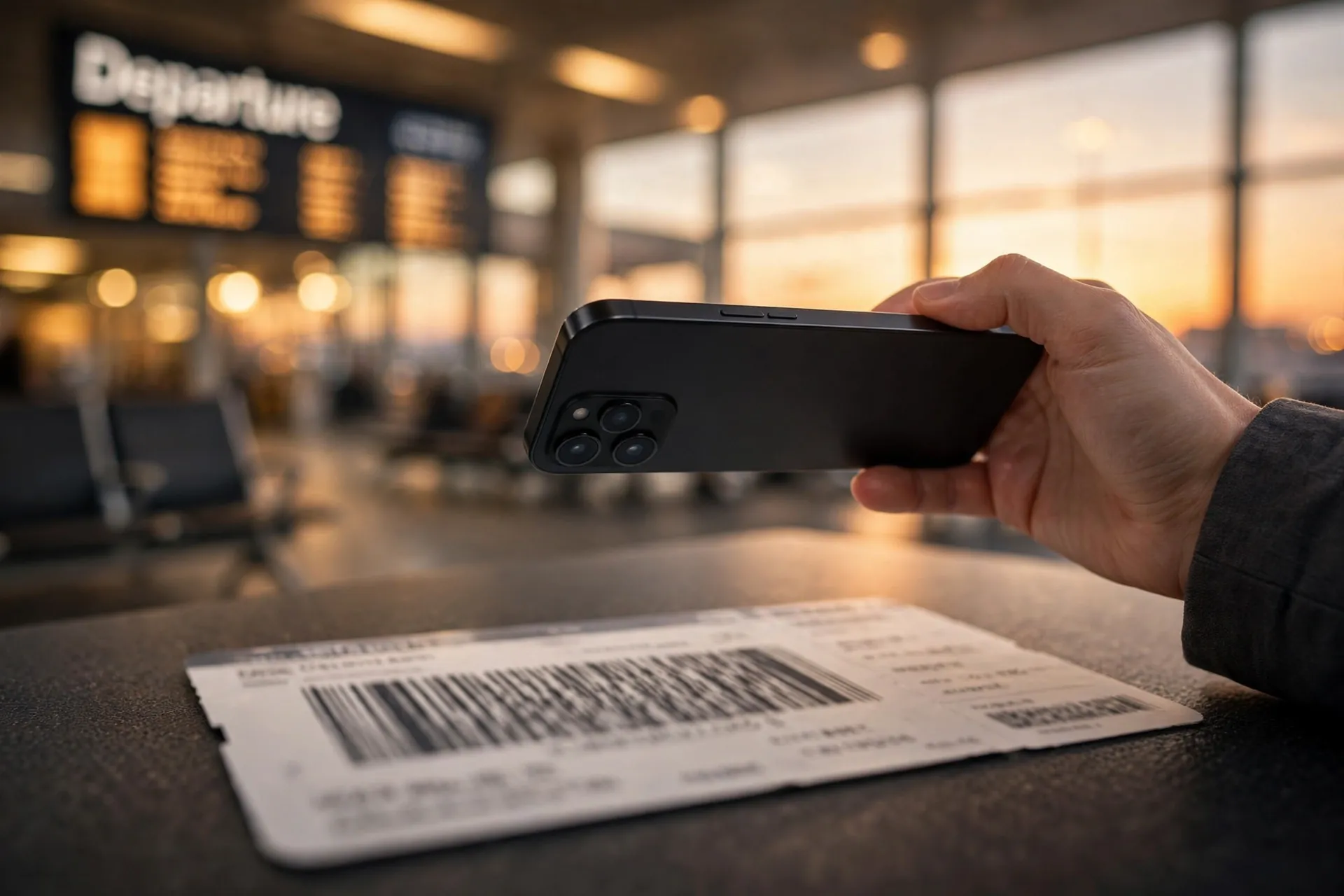
It usually goes like this: you clear security, you find your gate, and while you wait you hold up your boarding pass, snap the photo, and post it with something like “finally, two weeks off ✈️”. Thousands of people do exactly this before every flight. It feels like a small celebration — and it is. But that photo is handing out information you would never say out loud, to people you have never met.

The barcode on your pass works like a spare password
That little square of black and white on your boarding pass is not decoration. It encodes your name, your flight details, and — on many airlines — your booking reference and frequent-flyer number. Anyone with a photo of it can run it through a free barcode reader online and read the details straight off.
This is not theoretical. Security journalist Brian Krebs documented it years ago: a reader decoded a friend’s boarding pass posted on Facebook, then used the last name and record locator from the barcode to open that friend’s Lufthansa booking directly on the airline’s website. Once inside, he could see future flights tied to the frequent-flyer account, view the contact details attached to the booking, change seats, and even cancel flights.
A later follow-up showed the same trick working from a British Airways pass posted on Instagram — the six-digit booking code and the passenger’s last name are both printed on the front of the pass, which is all it takes to reach the reservations page on some airlines. One researcher even managed to change the password on another traveller’s United frequent-flyer account.
Think of the booking reference as a weak password that you just photographed and broadcast. Airlines use it, printed on luggage tags and embedded in those codes, as the key to your booking — and it was never designed to be public.
Real-time holiday posts answer the one question a burglar needs
The boarding pass is the sharpest risk, but it is not the only one. A steady stream of real-time holiday posts — the departure photo, the poolside story, the “day three in Bali” updates — answers exactly one question for anyone watching: are you home right now?
The FBI puts it bluntly in its holiday cyber-crime guidance: never post travel plans or photos of tickets online, because these posts reveal your absence from home — and then, post your comments and photos when you get home.
It is worth remembering the audience is not only your friends. Followers-of-followers, old acquaintances from a decade ago, people who found your profile through a shared group — most of us have never audited who can actually see our posts. A burglar does not need to be a follower at all; public posts and tagged locations do the work for them.
Your photos carry clues that are not in the caption
Even a perfectly innocent sunset photo can leak your location. Most phones embed GPS coordinates in the photo’s hidden metadata, which anyone can read if you share the original file. Stripping location data before posting is the easy fix — and on your phone’s camera settings, location tagging can be switched off entirely.
And removing the geotag is no longer the whole story. AI tools can now infer where a photo was taken from what is visible in it — signage, architecture, vegetation, even the shape of a street — no location tag required. The practical advice from security teams is simple: assume the image itself is the location data, and decide whether you would say that location out loud to a stranger.
A few trip-photo habits are worth a second thought: photos of documents — passports, visas, driving licences — which turn identity theft into a copy-paste exercise; close-up photos of children that show school uniforms or logos; and luggage-tag photos that often show the booking reference printed right beside your name. None of these are things most people would hand a stranger on the street.
Already posted one? Here is the tidy-up
If a boarding pass photo is already sitting on your profile, do not just leave it there because the trip is over. The booking reference often stays valid for future changes and cancellations until the whole itinerary is flown.
- Delete the post — or at minimum, edit the photo to blur or crop out the barcode and booking reference before deleting.
- Check your booking on the airline’s site for any seats, flights or contact details you do not recognise.
- Protect the accounts involved. If someone could have reached your frequent-flyer or airline account, change the password and make sure you have recovery or backup codes stored somewhere safe, in case you get locked out.
- Watch for phishing. Knowing your name, destination and travel dates makes for a very convincing “flight disruption — click here” message. Confirm changes only in the airline’s app or on its own website.
- If you hear the airline or booking site itself was breached, rather than just your photo leaking, work through your breach checklist instead — that is a different situation with different steps.
Share the trip, keep the details
None of this means you cannot share your holiday. It just means sharing like the trip is already over, not still happening:
- Post the photos after you are home — the FBI’s own advice, and the single most effective change you can make.
- If a boarding-pass photo is part of the story, blur or cover the barcode and booking reference first — a finger over the code is not enough if it can be digitally unblurred; crop it out entirely.
- Turn off location tagging in your camera settings, and be sparing with tagged locations while you are still away.
- Keep the audience limited to people you actually know, and glance through your followers list once a year.
- Skip the document photos — passports, visas, luggage tags, tickets — entirely.
The photo of the boarding pass is a lovely tradition. Just make it a photo of a boarding pass with nothing left on it that a stranger could use — and post it from your sofa, not from the gate. More guides on staying safe online follow the same principle: convenience is fine, as long as it is not costing you quietly.












