



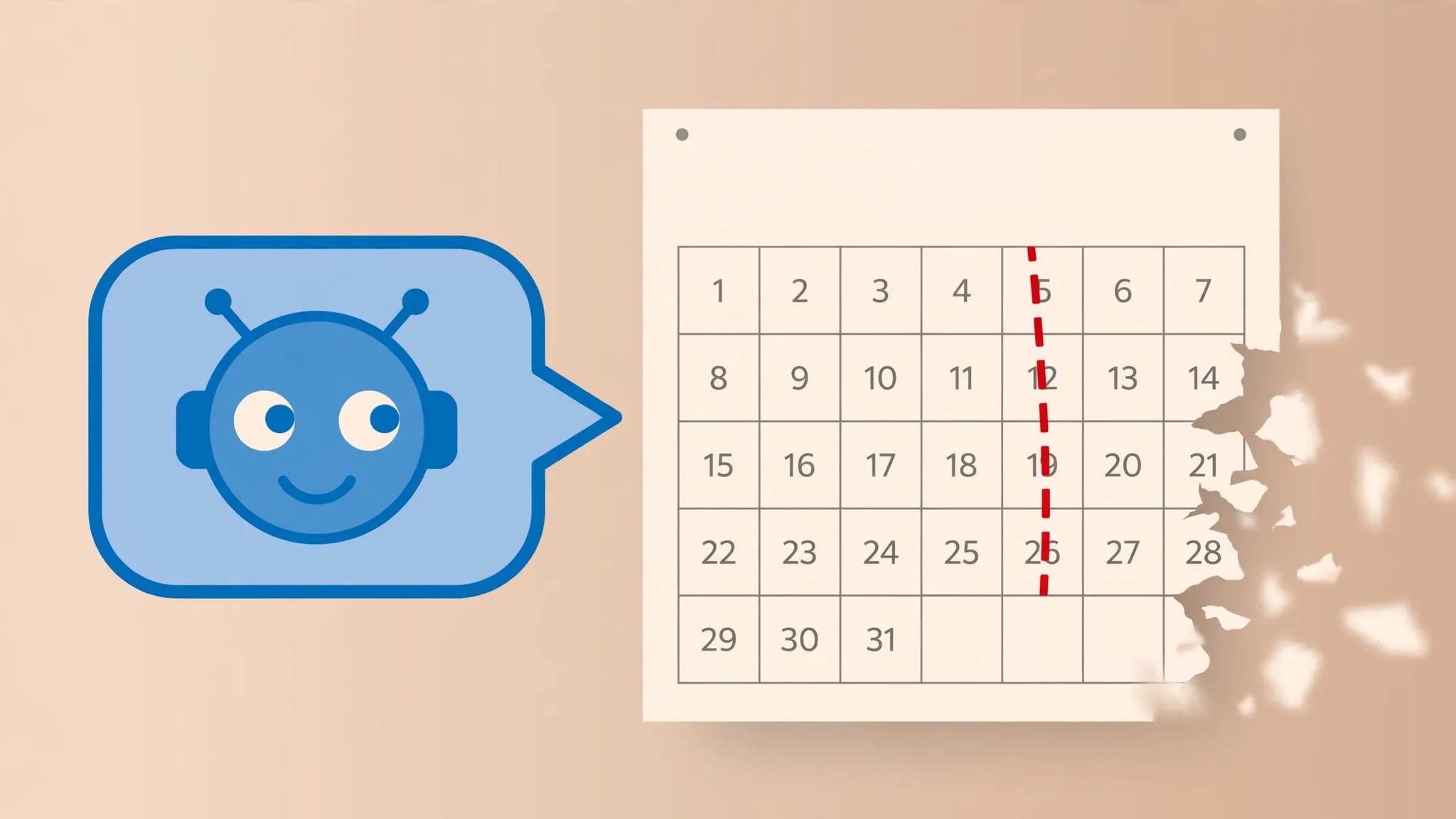
Ask your chatbot what happened in the news last night, and you’ll get one of two responses. Either it admits, politely, that it doesn’t know — or it answers with total confidence using information that’s months out of date. Both answers come from the same quirk, and it has a technical name: the knowledge cutoff.

Once you understand what the cutoff is, a lot of strange chatbot behaviour suddenly makes sense. The wrong election winner. The price that changed last spring. The “latest” phone that launched two years ago. None of it is a bug in the usual sense. It’s simply how these systems are built — and once you see the pattern, you’ll know exactly when to trust the answer and when to ask the chatbot to go and check.
Your chatbot learned the world from a frozen snapshot
Before a chatbot can answer anything, it has to be trained: fed enormous amounts of text from the web, books and other sources, and left to find the patterns in it. That training doesn’t happen on the live internet. It happens on a copy of the internet captured up to a certain date.
Think of it like a printed encyclopedia. The moment the presses roll, the encyclopedia knows everything up to that day — and nothing after it. A chatbot’s training data works the same way. Whatever happened after the cutoff date simply isn’t in its memory, because the copy of the world it learned from didn’t contain it yet.
This is why the cutoff feels so strange in conversation. The chatbot isn’t browsing as it talks to you. It’s recalling from the snapshot. Ask about anything from before the cutoff and it answers instantly, often in impressive detail. Ask about anything after it, and there’s simply nothing in the snapshot to recall — which is when you get either an honest “I don’t know” or, worse, a confident answer dredged up from stale data.
There is no single cutoff date — it moves with every new model
Every major chatbot has its own cutoff, and it shifts each time the model is updated. When a new version of ChatGPT, Claude or Gemini arrives, its training data usually stretches further forward in time, and the cutoff moves with it.
So “the knowledge cutoff” isn’t a fixed fact worth memorising — it’s a moving line. The practical move is simple: ask the chatbot itself. “What is your knowledge cutoff?” is a question every major chatbot can answer about itself, and the reply tells you exactly how far its memory reaches.
One more wrinkle: treat the cutoff as a month or a season, not a guarantee down to the day. Training data is collected over a long period, so knowledge of topics from just before the cutoff can be patchy. The last few months before the line are a grey zone rather than a sharp boundary.
Why don’t they just retrain it every day?
Training a top-tier model is an enormous, expensive undertaking — months of work and vast computing power. Retraining from scratch every morning to catch up with yesterday’s news would be like reprinting an entire encyclopedia daily.
Providers do update their models periodically, and each update pushes the cutoff forward. But day-to-day freshness was never going to come from training. It comes from something else entirely: the chatbot’s ability to look things up while it talks to you.
The search button is the real fix
Nearly all the major chatbots can now reach beyond their training data by searching the web mid-conversation. When you ask ChatGPT about current events, it will often search the web automatically if the question would benefit from up-to-date information — OpenAI’s own help centre describes exactly this behaviour. And if you want to be sure, you can trigger it yourself: open the tools menu in the chat composer and choose Search, or type a forward slash and pick Search from the list.
Google’s Gemini takes a similar approach, grounding its answers in live Google Search results — which is why it can handle questions about very recent events and cite its sources. Claude, too, can search the web when the option is switched on, rather than relying only on what it learned during training.
This is the line worth remembering: training memory is for understanding; web search is for current facts. A chatbot is excellent at explaining, summarising and reasoning over whatever you give it. For knowing who won last night or what something costs today, it needs to look it up — much like you would. That distinction is also the key to deciding when a chatbot is the right tool and when a plain search engine serves you better.
Four small habits that keep the answers fresh
Put a date in your question. “What are the best noise-cancelling headphones as of September 2026?” gives the chatbot a far better steer than “What are the best noise-cancelling headphones?” The date nudges it toward current information instead of reaching into its training memory.
Ask it to check. A simple “Can you search the web for the latest on this?” works surprisingly well. Chatbots don’t always realise your question is time-sensitive — especially when it sounds like a settled fact (“Who is the CEO of…?”, “What does X cost?”) — so explicit permission to look it up helps.
Treat time-sensitive answers as drafts. Prices, winners, laws, office-holders, software features — anything that changes over time deserves a second opinion from a live source, even when the chatbot includes citations. The habit of verifying a chatbot’s answers independently is worth keeping for anything you plan to act on.
Know what it’s good for without searching. Explaining a concept, helping you write, working through a problem, summarising a document you paste in — none of that needs yesterday’s news, and it’s where chatbots shine brightest.
The knowledge cutoff isn’t a flaw to be embarrassed about. It’s the reason these tools are affordable to run at all — and now that every major chatbot can search the web mid-conversation, it’s a limitation you can work around in a single sentence. Ask with a date, ask it to check, and you’ll rarely be caught out again.












