



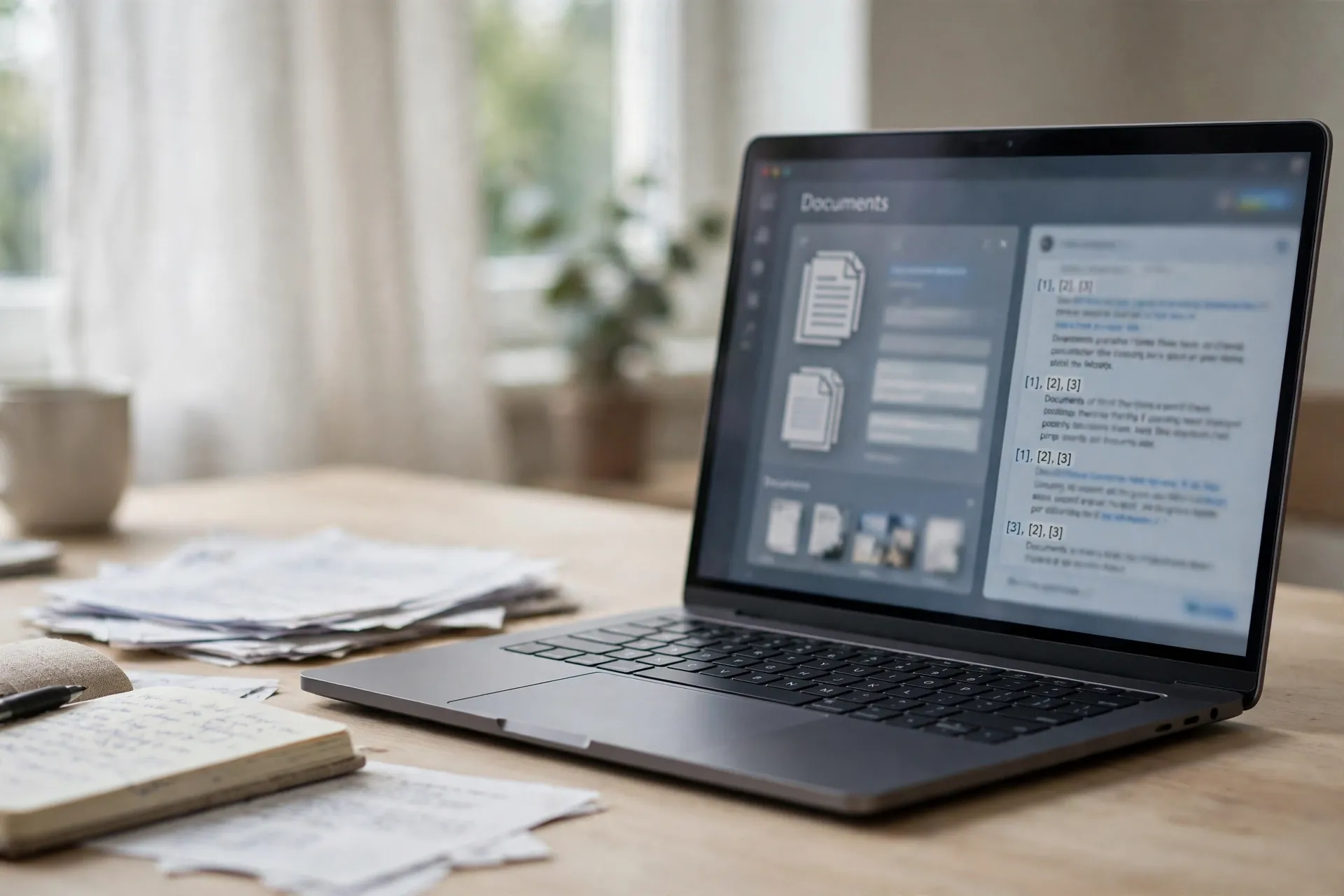
You already know the drill with AI chatbots: ask a question, get a confident answer, and then wonder whether the confident answer has anything to do with the documents you actually gave it. Chatbots read what you upload, but they also roam — pulling in general knowledge, training-data memory, and the occasional confident invention. Google has a separate tool that refuses to do that. Its rule is simple: it answers only from the sources you put in front of it.

It is called NotebookLM. If the name sounds unfamiliar, that is partly because Google renamed it to Gemini Notebook in mid-2026 — the old notebooklm.google.com address still redirects to the new home at notebook.google.com, and your notebooks carry over. The name changed; the idea did not.
A chatbot that stays inside your documents
NotebookLM is organised around a “notebook” per topic or project. You create one, add your sources to it, and then ask questions about those sources. On the free plan, each notebook holds up to 50 sources, and each source can be up to 500,000 words or 200 MB — generous enough that a thesis chapter, a product manual, or a stack of meeting transcripts all fit comfortably.
The source list is the interesting part. Alongside the usual PDFs and Word documents, you can add Google Docs, Google Slides and Google Sheets, EPUB ebooks, web page URLs, public YouTube videos (it works from the transcript), pasted text, audio files, and even photos taken on your phone. Google also added a Discover option that can search the web and assemble a shortlist of relevant sources for a topic, so you do not always have to hunt down every document yourself.
Getting started needs nothing more than a Google account. It is free, and the free tier includes the headline features — document chat, audio overviews and video overviews. Paid tiers exist, bundled into Google’s AI subscriptions, and mostly buy you higher limits rather than different features, so the free version is not a demo.
The part that actually matters: every answer shows its work
Ask NotebookLM a question and the response comes with inline citations pointing back to the exact passages in your sources. Click one and you see the highlighted text it came from. This is the single biggest practical difference from a regular chatbot. Checking a chatbot’s answer usually means re-running the question somewhere else; here the evidence is attached to the answer.
The other difference is what happens when your sources do not contain the answer. A normal chatbot will have a go anyway, drawing on its training data — that is exactly where made-up details creep in. NotebookLM says the information is not in your sources. It trades breadth for reliability, which sounds like a limitation until you realise it removes the failure mode most people complain about.
There is a middle ground worth understanding: you can give a regular chatbot a document to read too. That works for quick one-off questions. NotebookLM is for the situation where you will keep returning to the same material — a course, a project, a collection of manuals — and you want the answers to stay anchored to it every time.
It can also turn your pile of sources into something you can listen to
The feature that got NotebookLM noticed is Audio Overview: it converts your sources into a podcast-style conversation between two AI hosts, summarising and discussing the material. Google has since added a Video Overview (a narrated slideshow on every plan, with a more polished “cinematic” version on paid tiers) plus formats called Brief, Critique and Debate — a quick rundown, an analytical take, or a discussion-style treatment of the same sources.
Then there is the study toolkit: a Learning Guide mode that acts like a tutor — asking you questions instead of handing over finished answers — along with automatically generated flashcards, quizzes, timelines, FAQs and mind maps. A student preparing for an exam, for example, can load in lecture notes and a textbook chapter and get practice questions grounded strictly in that material. None of this replaces studying; it just makes the notes do more work.
Where this is genuinely useful
The best use cases are the unglamorous ones. A folder of appliance and car manuals becomes a searchable assistant that answers “which light means the filter needs changing” with the manual page attached. A researcher can load fifty papers into one notebook and ask for summaries and comparisons across them, with every claim traceable to a specific paper. A team can keep meeting notes and product documents in a shared notebook so new people can ask “how did we decide this?” and get an answer tied to the actual notes.
Writers and students get a quieter benefit: drafting from sources. Ask for an outline based on your uploaded research, and the outline comes back with each section linked to the source it came from — far more useful than an outline assembled from a chatbot’s memory of the internet.
A few honest caveats before you upload
First, the quality of the answers is entirely downstream of the quality of your sources. A notebook full of weak sources produces well-cited weak answers — citations are not a substitute for choosing good material. Second, sources do not automatically stay fresh: a web page or Google Doc you added will not update in the notebook when the original changes, so dated material needs to be re-added.
Third, the privacy question. Google says private information in your notebooks is not shared and not used to train its models — which is a stronger statement than most AI tools make. Still, the sensible rule from what happens to what you share with a chatbot applies here too: check the settings, and think twice before uploading anything genuinely sensitive, no matter what the privacy page promises.
Finally, remember the rename. Tutorials and articles written before July 2026 call it NotebookLM, which is the name most of the internet still uses. If you go looking for help, search both names — “NotebookLM” and “Gemini Notebook” — or you will miss half the guides out there.
Most AI tools try to know everything. NotebookLM succeeds by knowing only what you tell it, and by being honest about the boundary. If you have a stack of documents that matter to you, that honesty is worth more than any amount of extra knowledge.












