Every house has the spot. The back bedroom, the kitchen corner, the home office tucked under the stairs — somewhere your phone drops to a single flickering bar and calls slip straight to voicemail without the phone ever ringing. You move two steps to the left and everything’s fine, which makes it somehow more irritating.

There’s a fix for this sitting in your phone’s settings right now, switched off. It’s called Wi-Fi calling, and if your carrier supports it — most do these days — it can make those dead spots disappear without you changing anything about how you make calls.
It’s not an app, and your number doesn’t change
Wi-Fi calling is exactly what it sounds like: your phone routes ordinary voice calls through a Wi-Fi network instead of the mobile network. Nothing about the experience changes on your end. You open the same phone app, dial the same way, and the person you call sees your usual number. Behind the scenes, the call travels over the internet to your carrier’s systems, which connect it onward as if it had come from a mobile mast.
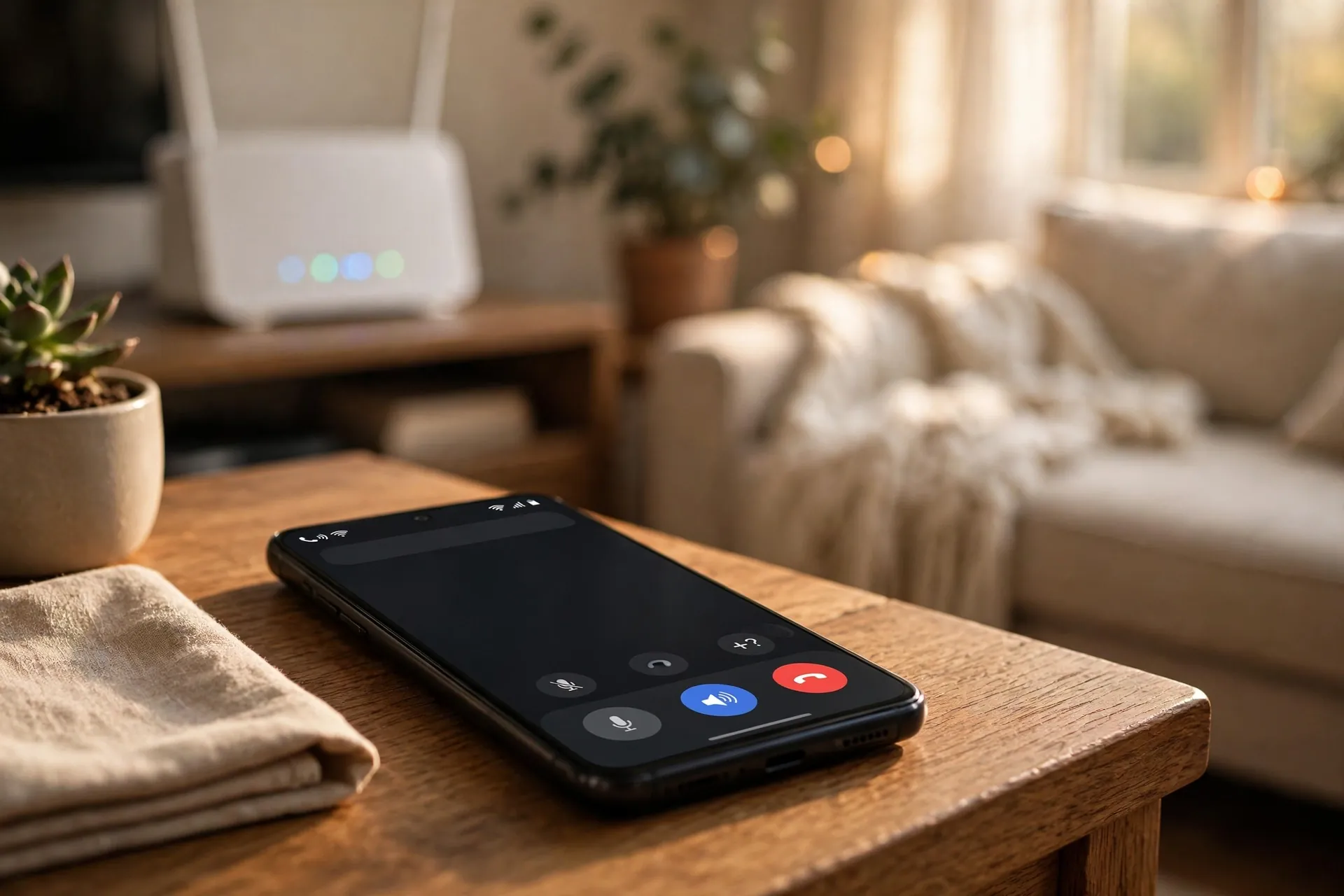
It also works in reverse. Your phone constantly judges which signal is stronger and uses Wi-Fi calling automatically when the cell signal is the weak one. On an iPhone, you’ll notice it happening because “Wi-Fi” appears after your carrier’s name in the status bar. Some Android phones show a small phone-and-Wi-Fi icon instead.
There’s no separate app to download and no account to create. It’s a carrier feature built into the phone’s dialer — the main reason it’s better than just making WhatsApp calls, which only work when the other person has the same app.
The question everyone asks: does it cost extra?
No — at least not on most carriers. Wi-Fi calling doesn’t come with its own fee; the calls and texts simply count toward your normal plan minutes and allowances. If you’re on an unlimited plan, they’re effectively free domestically. That’s the consistent line from carriers on both sides of the Atlantic, from T-Mobile in the US to Belong in Australia.
The one place the price doesn’t magically change is international calling. A Wi-Fi call to a foreign number is billed like any other international call — your carrier charges its standard rate as though you’d dialled over the network. Wi-Fi calling gives you better coverage, not cheaper long distance. Abroad, though, it can genuinely save you: calls back home over Wi-Fi are treated as domestic by several carriers, including T-Mobile, which means a hotel Wi-Fi connection can stand in for roaming.
It also doesn’t touch your mobile data allowance. The call uses Wi-Fi data, but voice sips at it — roughly a megabyte a minute. On a home connection you’ll never notice it. That’s also why choppy video on the same Wi-Fi says nothing about how calls will sound; Wi-Fi speed and internet speed aren’t quite the same thing, and calls need far less of either than streaming does.
Switching it on takes about a minute
The only real requirement is that your carrier supports it. If the toggle isn’t in your settings, that’s usually why — some smaller carriers still don’t offer it, and in a few countries the big ones only added it recently. But on a modern phone with a major carrier, it’s almost always there.
On an iPhone: open Settings, tap Phone, then Wi-Fi Calling, and switch on “Wi-Fi Calling on This iPhone.” Tap Enable when prompted, and confirm the emergency address it asks for — more on why that matters below.
On a Samsung Galaxy: open Settings and tap Connections, then Wi-Fi Calling, and toggle it on. You can also find it inside the Phone app itself, under the three-dot menu → Settings → Wi-Fi Calling, or drop it into your Quick Settings panel for one-tap access.
On a Pixel: go to Settings → Network & Internet → SIMs, tap your SIM, then Wi-Fi Calling, and switch it on. Some carriers’ versions of the Phone app put the toggle under the app’s own Settings → Calls menu instead.
That’s it. Nothing else changes. The phone quietly prefers Wi-Fi for calls whenever the cellular signal is the weaker of the two, and hands calls back to the network — via VoLTE — if you walk out of Wi-Fi range mid-conversation. If there’s no usable 4G at that moment, the call will drop, so don’t start wandering around the garden on important calls.
The one setting worth checking: calling preference
Many Android phones offer a choice buried under the same menu: Wi-Fi preferred or mobile network preferred. The names say it all. Wi-Fi preferred means the phone always tries Wi-Fi first, even when the cell signal is decent — useful if your carrier’s coverage is patchy everywhere, not just in one room. Mobile network preferred keeps Wi-Fi calling as the backup it was designed to be.
On an iPhone there’s no such menu; the phone decides for itself, which works well enough in practice. If you want to force an iPhone onto Wi-Fi calling for a test, switching on airplane mode and then re-enabling Wi-Fi does the job — calls will have nowhere to go but the Wi-Fi.
Where it helps most — and the honest catches
Wi-Fi calling shines in the obvious places: thick-walled houses, basement offices, rural homes at the edge of coverage, and the concrete stairwell of your office building. Anywhere your broadband reaches but the cell signal doesn’t, your phone just works. It’s also a quiet hero abroad, where a decent Wi-Fi connection means calls home without roaming charges.
The catches are few but real. First, your carrier has to support it — there’s no way around that. Second, some Wi-Fi networks quietly block it: certain hotel, office and public networks restrict the traffic it needs, so don’t be surprised if it works at home but not at the airport. Third, Wi-Fi calling is only as good as the Wi-Fi. A call over a weak, distant signal will stutter, and if your router is in the far corner of the house, the dead spot may have simply moved. Joining your router’s 2.4 GHz band instead of 5 GHz can help here — it travels through walls far better.
One more thing: emergency calls over Wi-Fi
This is why the phone asked for an address during setup. A normal mobile call tells emergency services roughly where you are via the cell towers; a Wi-Fi call can’t. So carriers keep the address you register and pass it to dispatchers if you ever call emergency services over Wi-Fi. It only takes a moment to fill in, but if you move house, update it the same way you’d update anything else tied to your address. It’s the one piece of Wi-Fi calling setup that genuinely matters beyond convenience.
So if there’s a corner of your home where calls go to die, this is the five-minute fix hiding in plain sight. Turn it on once, forget about it, and let the phone quietly pick the signal that actually reaches you.