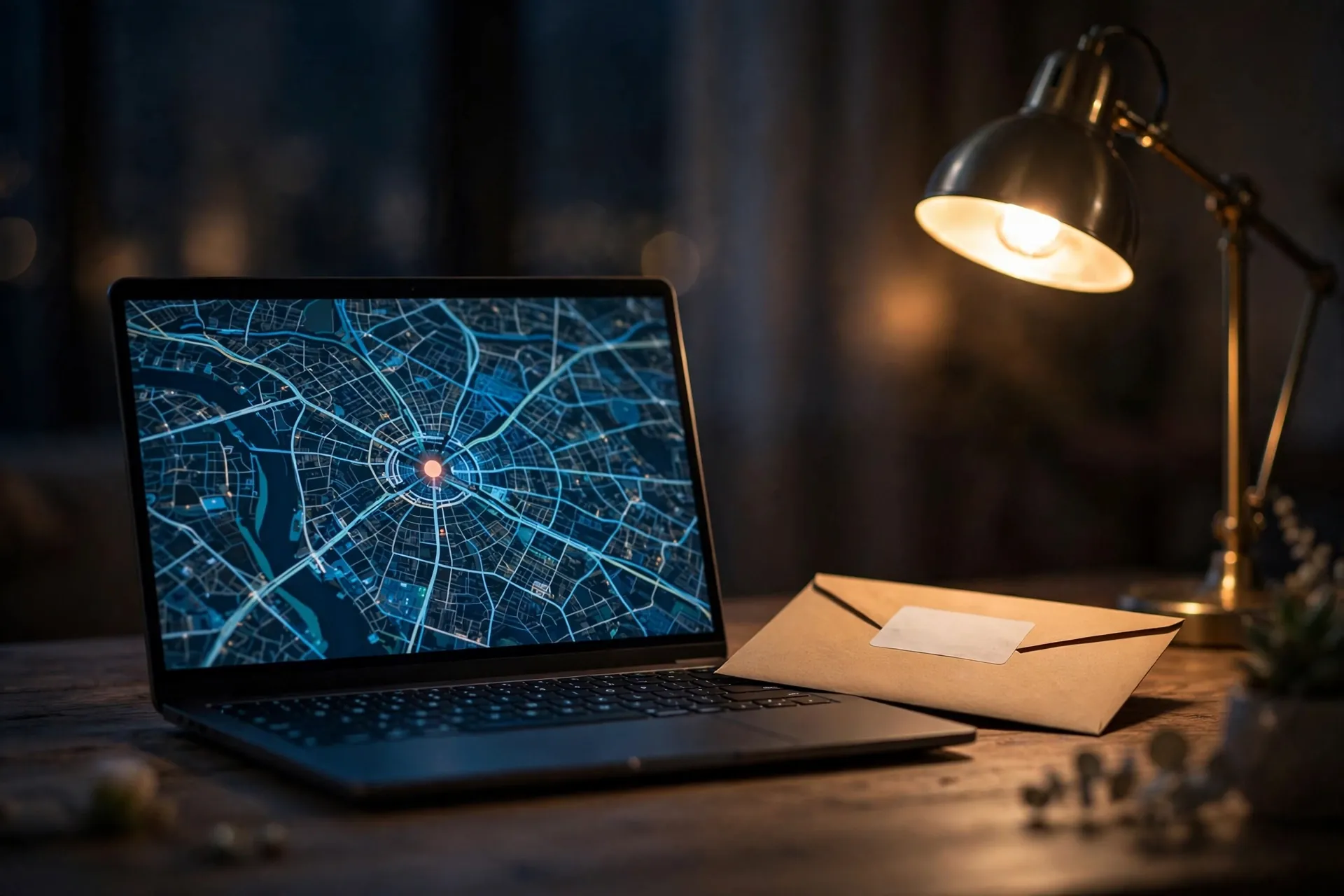
Open a shopping site in a fresh browser and it already knows you’re in Leeds. A search page quietly switches to your currency. A video site tells you a show isn’t available in your country. Nobody typed in your location — your IP address gave it away, or at least gave it enough to make a decent guess.

The short version: your IP address tells websites roughly where you are, not who you are. It says “somewhere near this city, on this internet provider” — it can’t see your name, your street address, or what you’ve been browsing.
Your IP address is the internet’s return address
Every time your browser asks a website for a page, it has to include somewhere for the reply to go back to. That return address is your IP address. As Cloudflare puts it, each device connected to the internet has a unique IP address which other machines use to find the device.
There’s a small wrinkle at home. The address the world sees usually belongs to your connection — your router, in most cases. Your router then hands each of your devices its own private address (the 192.168.1.1 sort you’ll see in your Wi-Fi settings), which only works inside your house. On mobile data, many customers often share a single public address, so the one you see may not be yours alone.
You’ve also seen two flavours. IPv4 addresses are the familiar four groups of numbers separated by dots. IPv6 addresses are the long ones with letters and colons — they exist because the world simply ran out of the short ones. For this article the difference doesn’t matter: both do the same job, acting as the return label on everything you send.
What a website learns the moment you arrive
Websites don’t decode your address themselves. They look it up in a geolocation database — a giant list mapping address ranges to places, maintained by companies like MaxMind. The guess is decent at country level and gets fuzzier after that: MaxMind’s own figures put country-level accuracy at about 99.8%, and city-level at roughly two-thirds right (within 50 km) for US addresses.
So a site can usually tell: the country you’re in, probably your city or somewhere near it, which company provides your connection, and sometimes what kind of connection it is (home broadband, mobile, corporate).
What it can’t learn from the address alone: your name, your street address, your email, or which pages you’ve visited. MaxMind itself warns that its coordinates describe a broad area and must never be treated as a precise location — certainly not a household. The only party holding the record that links your address to your name is your internet provider (it’s how they bill you), and that list isn’t something websites get to browse. Your ISP sees considerably more about your connection than any website does.
Why the guess is wrong as often as it is
The databases map address blocks, not people, and address blocks move around. A few everyday reasons your location shows up in the wrong place:
- You’re on a VPN. The site sees the VPN server’s address, so as far as it’s concerned you “are” wherever that server sits — one of the everyday side effects covered in our straight answer on whether you need a VPN.
- You’re on mobile data. A mobile IP can be registered to the network’s core equipment, which may sit in a different city from you entirely.
- You’re on hotel, café, or office Wi-Fi. The address belongs to that venue’s provider — sometimes in a different town from where you’re sitting.
- The database is out of date. Addresses get reassigned between providers and regions, and the lists take time to catch up.
So when a site confidently plants you in the wrong city, it isn’t spying better than you thought — it’s guessing worse.
Practical bits worth knowing
Your address can change. Most home connections get their address assigned from a pool, so restarting your router sometimes lands you a different one — sometimes. There’s no guaranteed trick, and it isn’t something you need to do.
Don’t post your public IP casually. It’s not a password, but there’s no reason to share it in forum posts or screenshots. If you ever need to check it, searching “what is my ip” shows it to you.
A new address won’t make a website forget you. Sites recognise returning visitors through cookies and logins, not addresses — which is why clearing those matters far more than changing this. Private browsing doesn’t change your address either.
If a site ever blocks “your” address, it may be punishing a shared one. On mobile data or public Wi-Fi, hundreds of people can arrive from the same address, and one person’s misbehaviour can get the whole lot flagged. Waiting a while — or restarting your router at home — often clears it.
Your IP address is less revealing than it feels and less private than it sounds. It tells any site you visit roughly where you are — usually the right country, often the right city, never your front door. Everything else a site seems to know about you — your name, your preferences, your history — comes from what you’ve told it and what it has stored in your browser, not from the number in the address bar.