



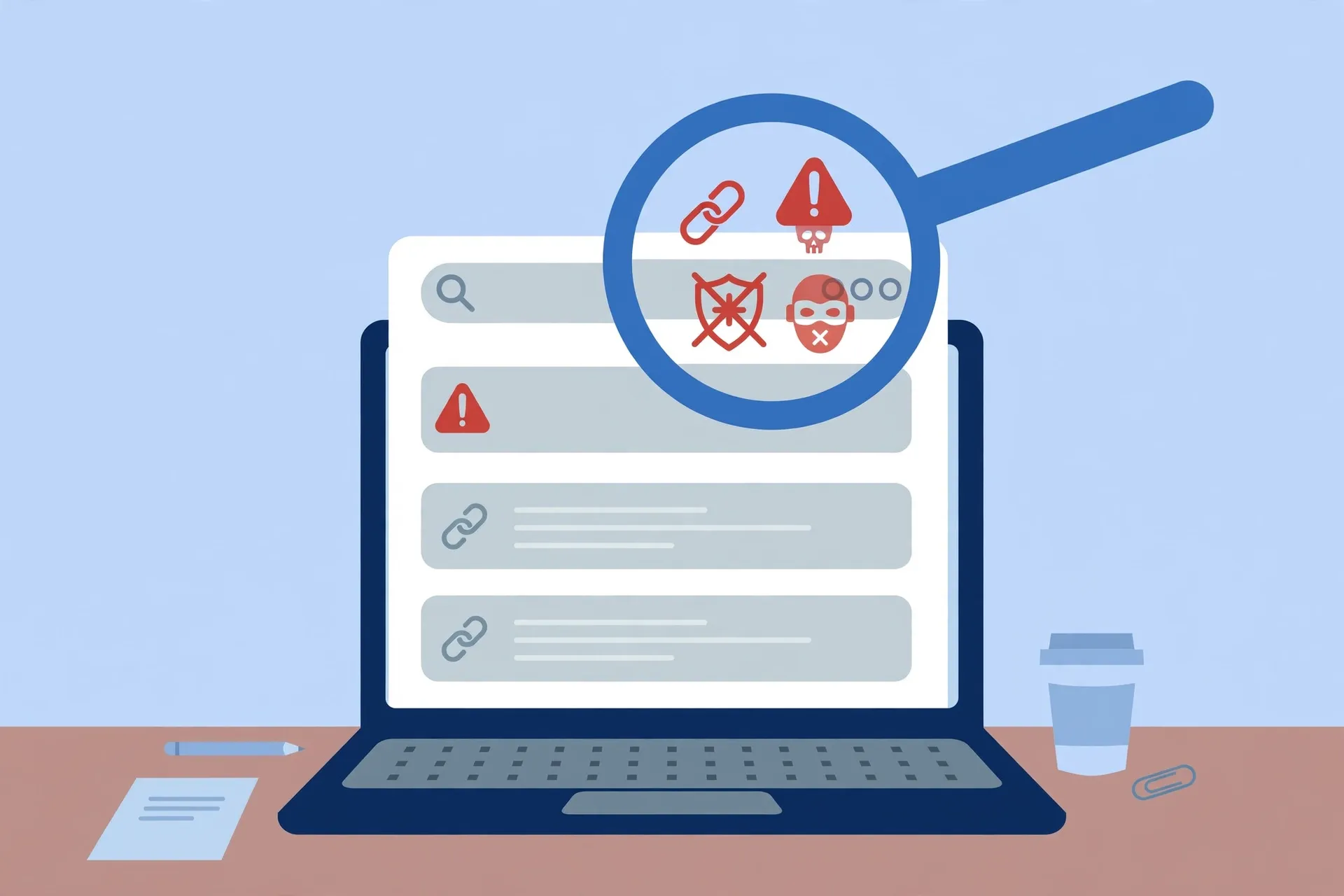
Your flight is delayed and the airline’s app has stopped updating. Your bank card just got declined for no reason. In a hurry, you do what everyone does: search for the company name plus “customer service number” and call the first result that looks right.

That first result is sometimes a scammer who paid to be there.
Business impostor scams have worked this way for years, and the US Federal Trade Commission has specifically warned that fake customer service listings in search results are a deliberate, common trap. The people behind them are not hackers breaking into anything — they are simply buying their way to the top of your search page and waiting for someone in a hurry to call.
The top result is often an ad, not the company
The first items on a search results page are frequently paid advertisements, and they sit above the genuine listings. Scammers buy these ads for the names of well-known companies — banks, airlines, hotels, tech brands — and design their pages to look convincingly like the real thing. Some also register lookalike domains or seed fake numbers into online directories and forum posts, so the same bogus number can show up in several places.
From the caller’s side, everything feels legitimate. The person who answers greets you by the company’s name, sounds professional, and already seems to know the kind of problem you’re calling about. None of that means you reached the company. Answering a phone convincingly is not hard, and these call centers are set up for exactly this.
What the fake “agent” asks for
Once you’re talking to them, the playbook is consistent. The FTC describes scammers offering to “resolve” your problem — but only if you wire money to them or send gift cards. No legitimate company’s customer service department will ask for gift cards, wire transfers, or your account password in exchange for help. That sentence is worth memorizing, because it is the clearest line between a real support desk and a fake one.
The other common requests are personal information and remote access to your computer — a program you download and run so the “technician” can take over your screen. Real support agents almost never need to do this on a first call out of the blue, and granting it hands a stranger the keys to everything open on your machine. It is the same trick used by the fake “virus detected” pop-ups that demand you call a number on your screen: once they have remote access, they can harvest saved passwords, plant more malware, or simply lock you out of your own computer and demand payment.
Reach the real company instead
The reliable habit is a small change in how you look up contact details:
Type the company’s website address directly into your browser. This is the FTC’s core recommendation. Typing the address yourself — the one printed on your card, your statement, or the product packaging — takes you to the company’s actual site, where you can find its real customer service number, email, or chat. If you do use a search engine, double-check the website address before trusting the result: scammers’ lookalike domains can differ by a single letter.
Use the number you already have. Banks print their customer service number on the back of your card. Apps from major companies have a “contact us” or “help” section inside the signed-in app — which is far more trustworthy than anything a search returns. Product packaging and manuals usually carry genuine support numbers too.
Skip past the ads. Search results marked with a small “Ad” or “Sponsored” label are paid placements. Some are perfectly legitimate, but an ad is no proof the result belongs to the company whose name is in the headline. The genuine listing is usually just below.
Hang up on pressure. If the person on the phone asks for a gift card, a wire transfer, your password, or remote access, end the call. You can always call the company back yourself using a number you trust. A real support desk will not mind.
If you already called and gave something away
Don’t be embarrassed — this scam works precisely because it catches people mid-crisis, when they’re rushing. What matters now is speed.
If you handed over a password or account details, change those passwords from a device you trust, starting with your email. If you allowed remote access, treat the computer as compromised: disconnect it from the internet and have it checked before logging into anything sensitive. If money left your account, call your bank immediately on the number on the back of your card — the real one — and ask about reversing the transaction.
Then report it. The FTC asks people to report fake customer service scams at reportfraud.ftc.gov, which feeds its fraud-tracking database. And if you gave the caller personal information, IdentityTheft.gov will walk you through a free, personal recovery plan — what to lock down, in what order. Our full walkthrough of what to do after an account is compromised covers the sweep worth doing once someone has had access.
The general rule fits in one sentence: never let a search result choose who you talk to. Start from the company’s own site, app, or card — and the whole scam falls apart before it begins. More scam-spotting guides live in our Online Safety section.












