



Your phone can be sitting untouched in your pocket while someone on the other side of the country takes over your phone number. That’s the part that surprises people. SIM swap fraud doesn’t require your device, your password, or any mistake on your part — just a phone call your carrier believes.

Here’s how it works, why the consequences are so bad, and the three defenses that actually matter.
What a SIM swap actually is
Your phone number lives on your carrier’s network, not inside your phone. When you change phones, the carrier moves your number from the old SIM to the new one — a routine, legitimate process that happens millions of times a day.
A SIM swap attack abuses that process. The attacker contacts your carrier pretending to be you — a lost phone, a damaged SIM — and asks them to move your number onto a SIM card the attacker controls. Suddenly their phone rings when someone calls your number. They receive your texts. Including the ones that protect your accounts.
A port-out is the same trick through a different door. Instead of a new SIM on your existing account, the attacker moves your number to an entirely different carrier. Carriers treat these as separate risks, and the protections for one don’t always cover the other — a detail that matters later.
Why your phone number is the master key
The real damage isn’t the missed calls. It’s what your number unlocks. An enormous number of accounts still accept a text-message code as proof of identity: password resets, two-factor codes, bank transaction confirmations.
So once the attacker has your number, the sequence runs like a script. They request a password reset on your email, intercept the code, and walk into your inbox. From your inbox they reset your bank, your payment apps, your cloud storage. If someone gets into your email, they get into everything — and a SIM swap is one of the fastest ways to get into your email.
The FBI treats this as a serious and growing problem. In 2023 alone it said it had investigated more than 1,075 SIM-swap cases, with victims losing nearly $50 million — and those are just the cases that got reported.
How a stranger takes your number with one call
There’s no hacking in the movie sense. The attacker calls your carrier’s customer service (or walks into a store) and plays the role of a panicked customer who lost their phone. To pass “identity verification,” they use personal details about you — your name, address, date of birth, account number — most of which comes from data breaches, social media, and the information brokers selling your profile for a few dollars.
The uncomfortable truth is that a lot of these checks are soft. Carriers have historically accepted details an attacker can look up, which is exactly why the attack keeps working: it succeeds against a human following a script, not against technology. Every so often an insider is involved too, bribed to push the swap through from the inside.
The dead giveaway: your signal vanishes for no reason
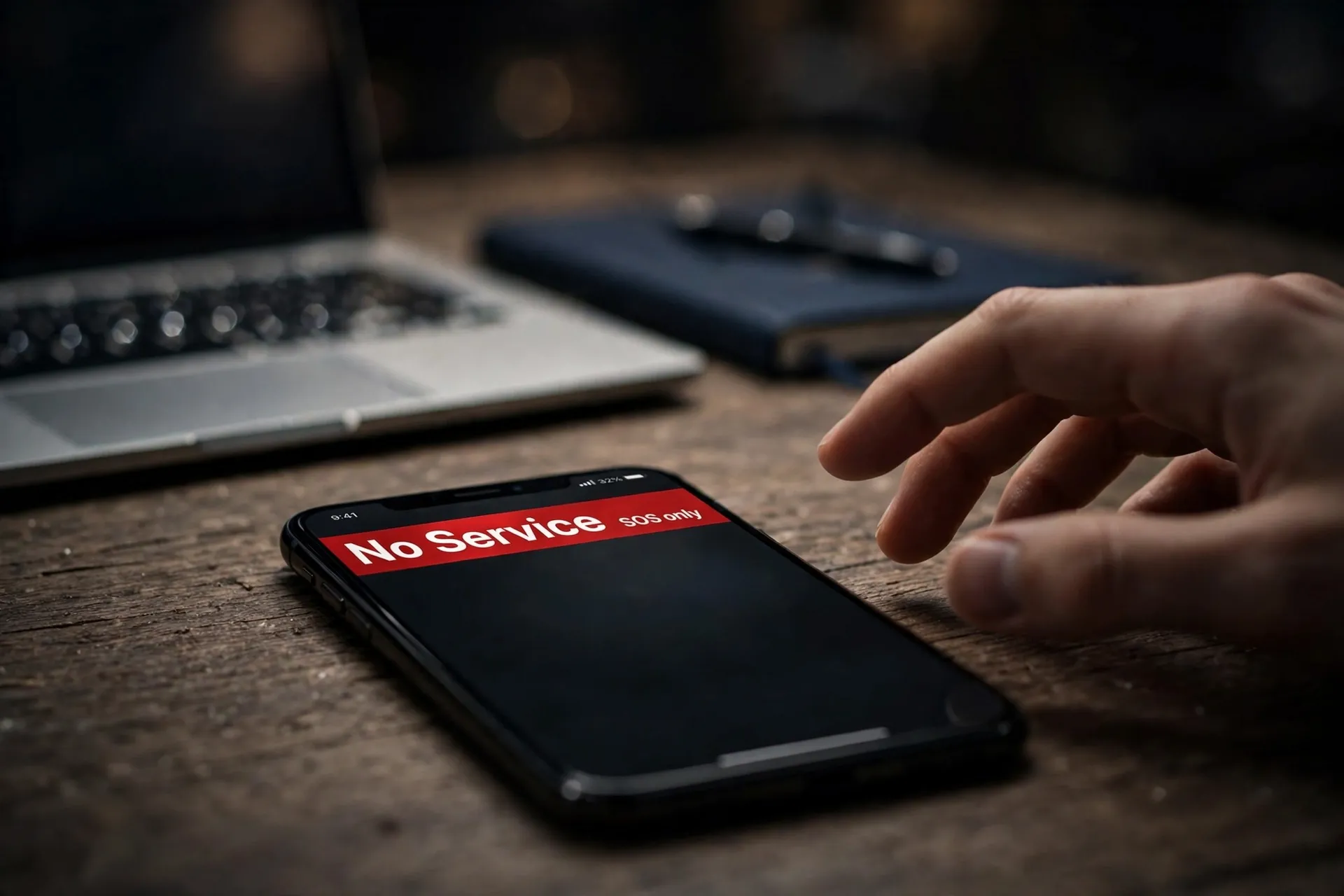
The classic symptom of a successful SIM swap is sudden, unexplained loss of service. Your phone drops to “No Service” or “SOS only” somewhere it normally works fine — at your desk, in your kitchen, places you’ve had full bars a thousand times.
Treat that as an emergency, not a glitch. Other warning signs:
- Texts or emails from your carrier about a SIM change, new device, or number transfer you didn’t request.
- Password-reset emails you didn’t trigger, arriving in bursts.
- Your bank or payment apps locking you out, or notifying you of activity you didn’t do.
- Your carrier’s app suddenly showing a device you don’t recognize.
Don’t restart your phone and wait. A restart won’t return a number that now belongs to someone else.
If it happens to you: the first hour matters
Work from a different phone — yours can’t make calls or receive texts anymore. The priority order:
1. Call your carrier immediately. Tell them your number was moved without your consent and ask them to reverse the swap now. This is the single most important step, and every minute counts because the attacker is using your number the whole time.
2. Check your email and bank first. From a computer, sign into your email and financial accounts. If the attacker reset your passwords, work through each account’s recovery process. Change the passwords to new, unique ones and turn on non-SMS two-factor authentication (more on that below).
3. Watch for new accounts opened in your name. Some attackers go further than draining accounts and start opening credit. Check your bank and card statements for the next few weeks, and follow the same response steps you’d use after a data breach: freeze credit where possible, and file a report with the police and, in the US, the FTC.
4. Tell your carrier how the swap was authorized. Ask them to review which authentication was used and to tighten your account’s security settings. In the US, the FCC’s rules require carriers to notify customers of SIM changes and ports, maintain a clear fraud-reporting process, and investigate and fix these incidents promptly.
Turn on the lock most people don’t know exists
Here’s the part that should have been step one. The major carriers now offer free account locks that block SIM changes and number ports until you switch them off yourself:
- Verizon offers Number Lock, which stops any port-out request until you disable it. Look in the My Verizon app under account security settings.
- AT&T offers Wireless Account Lock, which blocks SIM swaps, number transfers, and device purchases on your account. The carrier texts you and emails the account holder whenever it’s toggled.
- T-Mobile offers SIM Protection and Port Out Protection, plus a transfer PIN that’s required before your number can move to a new carrier.
Every one of these is free, every one is opt-in, and none of them is on by default. That’s the catch: the protection exists, but you have to switch it on yourself. Menu names move around with app updates, so search your carrier’s account settings for “security” or “port” and look for words like lock and protection. Turn on both the SIM-change lock and the port-out lock — remember, one doesn’t cover the other.
This is backed by regulation, not just goodwill. In November 2023 the FCC adopted rules requiring US wireless carriers to use secure authentication before a SIM change or port, notify customers immediately when one is requested, and offer free account locks to block them — including on prepaid plans.
Move your logins off text-message codes
The carrier lock is your first line of defense. The second is making your number less valuable to steal. As long as your bank, email, and social accounts accept a texted code as the key, a hijacked number is a skeleton key.
Move your important accounts to an authenticator app — the kind that generates a rotating six-digit code on your device. Unlike a text, that code can’t be intercepted by stealing your number. For the accounts that matter most (email, banking, primary cloud storage), the strongest option is a passkey or a hardware security key, which can’t be phished at all and don’t involve your phone number in any way. The FBI recommends exactly this.
One caveat: when you switch on an authenticator app, save your backup recovery codes somewhere offline — printed, in a drawer, not in a note on the same phone. Otherwise a lost phone locks you out of everything you’ve just secured.
A few more locks worth setting
None of these replaces the two above, but they shrink the attack surface. Set a carrier account PIN or passcode — a number only you know that customer service must ask for before making changes. Keep it different from your voicemail PIN and your phone’s unlock code.
Trim what the impersonator has to work with. Your date of birth, address, phone model, and even your pet’s name — the raw material of a social-engineering script — are often sitting in public profiles and old breached databases. Tighten the privacy settings on the accounts you don’t think about, and answer security questions with something that isn’t searchable about you.
Finally, be skeptical of the phone call. A caller claiming to be your carrier who asks for your transfer PIN, one-time codes, or account password is almost certainly the scam in progress. Your carrier will never ask you to disable your account protections — so don’t.
The whole fix takes about fifteen minutes: two locks in your carrier’s app, an authenticator app on your important accounts, backup codes on paper. Set them once, and the one call that would have emptied your accounts becomes a call your carrier simply refuses.













Comments 2