



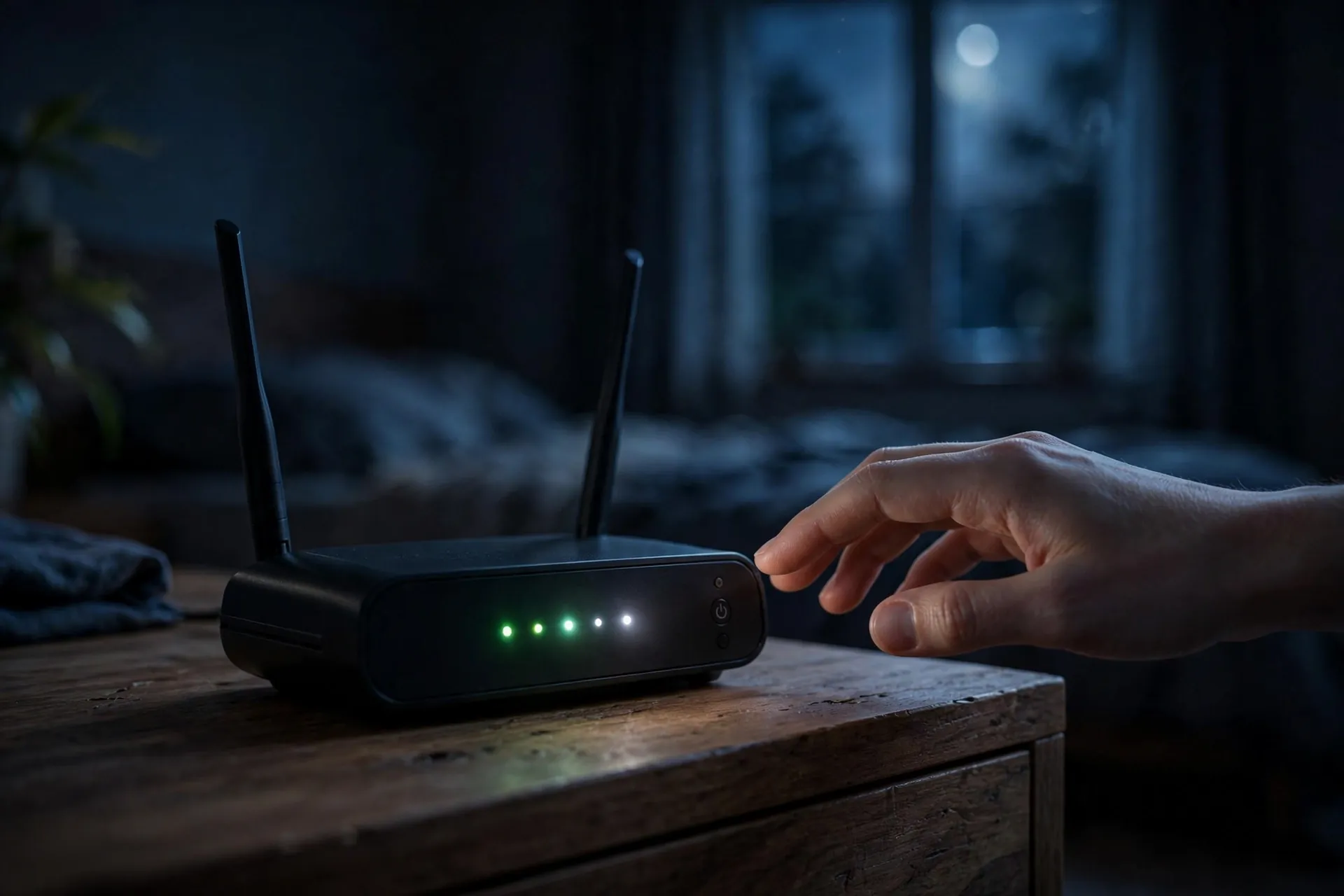
If your bedtime routine includes a detour to the hallway to switch off the Wi-Fi router, you’re in plenty of company. Roughly 18% of UK broadband users do exactly that, according to a Virgin Media survey — mostly to save electricity, sometimes to silence the blinking lights, sometimes out of a vague feeling that the poor thing deserves a rest too.

It’s a sensible instinct. But the router is one of the few appliances in your home that’s genuinely designed to run around the clock, and the nightly switch-off buys you far less than it feels like — while quietly costing you more than you’d expect.
The electricity saving is smaller than it feels
Home routers are light drinkers. A typical one draws somewhere between 5 and 20 watts depending on the model and how hard it’s working — roughly comparable to a small LED bulb, and a fraction of what the TV you switched off on the way to bed uses.
The numbers back that up. Independent testing of the routers UK providers actually hand out (ISPReview, 2024) measured them at around 7 to 11 watts at idle, costing roughly £17 to £28 a year to run 24 hours a day. An Indian ISP’s own figures tell the same story: about 6 watts, or roughly 53 kWh over a full year.
Now subtract the eight hours you’d switch it off each night — a third of the day. The saving lands at around £6 to £9 a year in the UK, or a couple of hundred rupees a year in India. Real money, technically. But for comparison, a 4K TV left on standby can cost around £24 a year — several times what you’d ever save on the router. If saving electricity is the goal, the router is close to the worst place in the house to start.
Your provider would rather you left it alone
This is the part most people never hear: broadband providers actively ask you not to switch the router off. BT’s guidance is plain — “It’s important to keep your Hub switched on and connected at all times.” Virgin Media’s director of connectivity puts it even more bluntly: “Don’t switch your Hub off overnight.”
There are two reasons, and both are practical rather than self-serving.
Updates happen while you sleep. Firmware updates for your router — the fixes that patch security holes and keep the connection stable — are pushed out overnight on purpose, because that’s when nobody is using the connection. Sky’s director of propositions has explained that their routers “undergo firmware updates overnight to avoid any unnecessary disruption during the day.” A router that’s switched off misses the update window. It either sits on older, less secure firmware or grabs the update during your morning video call instead.
Your line is being watched. On many broadband connections, the provider’s equipment monitors how stable your line is. If the connection drops every single night at 11pm, the monitoring system can’t tell the difference between “this customer has a bedtime ritual” and “this line has a fault.” BT warns that “constantly switching off the hub makes the line look unstable, meaning that your speed may be automatically reduced to improve the reliability of your broadband connection.” In other words, the nightly switch-off can quietly leave you with a slower connection than you’re paying for.
That second point bites hardest on older copper-based lines, where automatic line management is most aggressive. Full-fibre connections are less fussy about it. But since the nightly habit saves next to nothing on fibre either, there’s no type of connection where it earns its keep.
Your smart home works the night shift
Even while you sleep, the router is the night-shift worker your house depends on. Video doorbells, security cameras, smart thermostats, voice assistants — most of which sit on your 2.4 GHz network — all assume the Wi-Fi will be there at 3am. Our guide to the two Wi-Fi bands explains which of your devices lives on which one and why the “slower” band matters more than it looks.
Switch the router off and the doorbell can’t record the fox on your doorstep, the thermostat’s schedule runs blind, and the camera that was supposed to be watching the driveway is watching nothing. It’s also the window when many of these devices download their own updates, for the same reason routers do — nobody’s using the network. A nightly blackout doesn’t just pause your smart home; it pushes all of that maintenance into your waking hours, which is exactly the disruption the overnight window exists to avoid.
If it’s the lights keeping you awake, dim them — don’t kill the box
For a lot of people, the real motivation isn’t electricity at all. It’s the row of LEDs strobing in a dark hallway or, worse, a bedroom.
The fix is in the router’s settings, not the wall socket. Many routers have a night mode or LED schedule that switches the lights off during hours you choose — say 11pm to 7am — while everything keeps running underneath. TP-Link’s current models, for example, include a Night Mode that turns the LEDs off on a daily schedule. It takes a minute to set up once, and it solves the actual problem instead of trading it for missed updates and a grumpy line monitor.
A restart is still useful — just not every night
Here’s the nuance: restarting your router genuinely is one of the best first steps when the internet is misbehaving. A fresh reboot clears the router’s memory, forces it to renegotiate a clean connection with your provider, and fixes an impressive share of “the internet feels weird” problems. Every ISP’s support script starts there.
But “when it’s acting up” is a very different schedule from “every night at 11pm.” A healthy router doesn’t need a daily reboot. And if you like the idea of a regular refresh anyway, plenty of routers can do it themselves while you’re asleep — TP-Link offers a scheduled reboot under Advanced → System Tools → Reboot, and ASUS has a scheduler under Administration → System. Set it for 3 or 4 in the morning once a week, or even once a month, and you get the benefit without the downsides.
And if slowness is the reason you reached for the power button in the first place, start one step earlier: work out whether your Wi-Fi or your actual internet connection is the slow part. The fix for each is completely different, and no amount of rebooting helps if you’re solving the wrong one.
When switching it off is genuinely fine
There is one exception, and it’s about absence. If you’re going away for a week or more, switching the router off saves a little power with no downside — nothing in the house needs it while you’re gone, and everything will catch up on its updates the morning you switch it back on.
Otherwise, the router is built for this. It sips power, updates itself while you dream, keeps the doorbell awake and the line looking healthy. The nightly switch-off is a habit from the era of chunky CRT monitors and dial-up tones. Your router has moved on — and if you enjoy retiring old Wi-Fi myths, hiding your network name doesn’t keep anyone out either.













Comments 1