



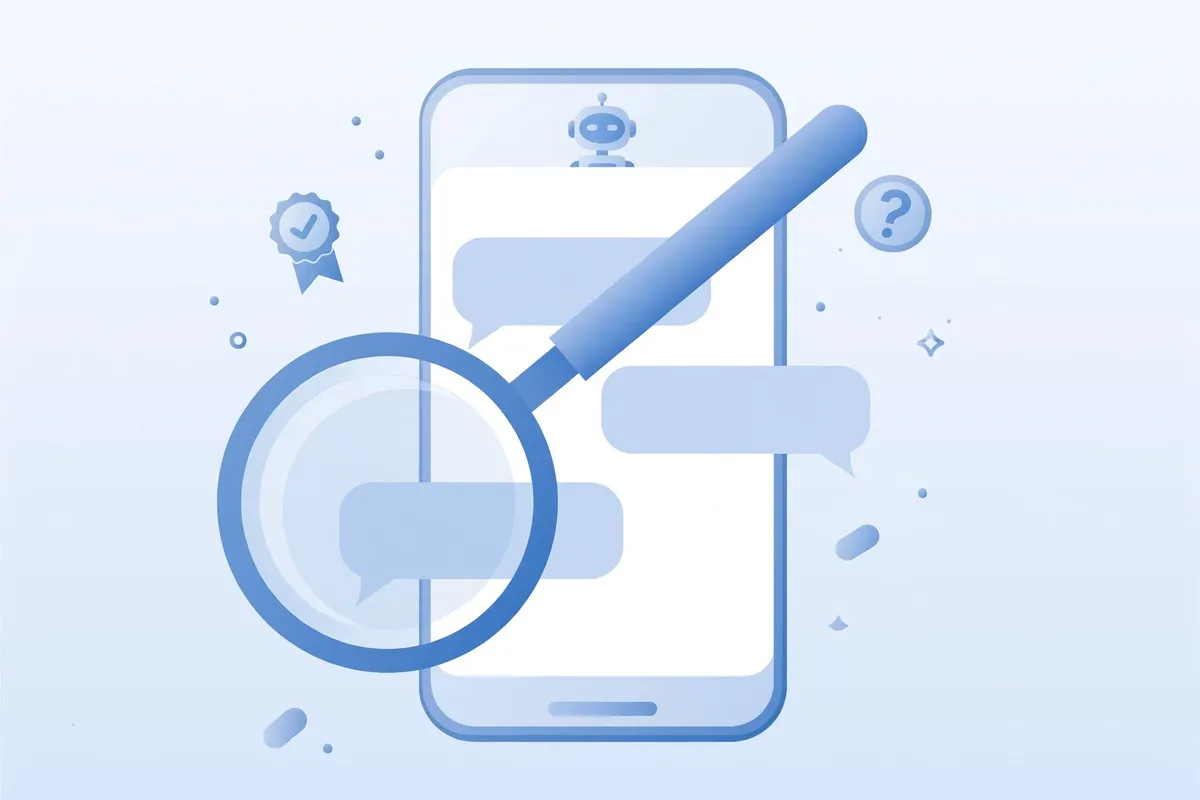
You ask the chatbot a factual question. It answers instantly, in full sentences, with the smooth certainty of a teacher who has never been wrong about anything. The trouble is that the certainty is free. It costs the model nothing to sound sure, so it sounds sure about everything — including the answers it has made up. OpenAI’s own help center puts it plainly: ChatGPT “might sound confident — even when it’s wrong.”

This isn’t a reason to stop using these tools. It is a reason to treat them like an assistant rather than an oracle: useful, fast, and wrong often enough that anything important deserves a check. Here’s what’s actually going on, the mistakes chatbots make most, and a small set of habits that catch most of the bad ones.
Why fluency isn’t the same as knowledge
A chatbot doesn’t look up answers the way you imagine. According to OpenAI, ChatGPT is “designed to provide useful responses based on patterns in data it was trained on.” In plain terms, it predicts what a good answer would look like word by word. That’s why the output reads so well — and why reading well says nothing about being right. Fluency is the product. Accuracy is a separate question the fluency can mask.
This also explains a failure mode OpenAI names explicitly: “overconfident answers to ambiguous or complex questions.” When the question is fuzzy or the training data is thin, the model doesn’t hesitate. It fills in the gaps with the most plausible-sounding material it has and delivers it with the same confidence as a fact. Your uncertainty doesn’t transfer to it.
The mistakes they make most
OpenAI’s help center groups the most common errors into three kinds, and they’re worth knowing by name because each one has a tell:
Wrong definitions, dates, or facts. The classic one. A year, a name, a statistic — stated cleanly, no hedging, no sign of doubt. Numbers are especially dangerous because they look precise. A wrong number looks exactly like a right one.
Fabricated quotes, studies, citations, or references to non-existent sources. This is the most embarrassing category because it looks like evidence. The chatbot cites a paper with a real-sounding title, journal, and even a DOI that leads nowhere. This isn’t a rumour about a hypothetical — in a 2025 court filing reported by TechCrunch, Anthropic’s own lawyers had to apologise after Claude produced a legal citation with “an inaccurate title and inaccurate authors” in the company’s own litigation. If it can happen to the company’s own legal team, it can happen to anyone.
Overconfident answers to ambiguous or complex questions. Ask something with two possible meanings and you’ll usually get an answer to the meaning you didn’t intend, delivered without any mention that the question was ambiguous.
“Internet mode” helps — but don’t relax entirely
Most chatbots now offer some kind of web search or “deep research” mode, and using it is one of OpenAI’s own recommendations: with search enabled, the model can “access and cite real-time web sources to answer questions with more recent information.” That’s genuinely better than pure memory — for anything recent, turn it on.
But a link next to an answer is not a certificate. OpenAI notes the model may be blocked from a site by paywalls or technical issues, and can still misunderstand what it retrieved. The practical rule: treat the cited link as a place to start, not as proof. Click it. Confirm the page actually says what the answer claims it says. It takes twenty seconds, and it catches the most common trick — a real source cited for a claim it doesn’t support.
Five checks that catch most bad answers
You don’t need to verify everything. You need a habit for the things that matter. These five cover most of it:
1. Treat it as a first draft, not a final source. This is OpenAI’s own framing: “Use ChatGPT as a first draft, not a final source.” The chatbot is excellent at structuring a draft, a summary, or an outline. Your job is to check the facts inside the structure before it leaves your hands.
2. Verify quotes, numbers, technical info, and references. This is the category that burns people — always check these against a reliable source, OpenAI says. If the answer contains a statistic, a date, a quote, or a reference to a document, that single item is worth a thirty-second search on its own.
3. Ask for the source, then open it. “Which source is that based on?” is a legitimate follow-up question. When the chatbot provides links, open them directly and check whether they support the specific claim — not just the general topic.
4. Re-ask the question differently. Start a fresh chat, rephrase the question, and compare. If the facts shift between the two answers, neither version is trustworthy — you’ve found a guess. Stable answers across different phrasings aren’t a guarantee, but they’re a good sign.
5. Push back on certainty. “How confident are you in that?” and “What might be uncertain here?” are surprisingly effective. They won’t fix a hallucinated fact, but they often surface the hedging the first answer omitted. If you use ChatGPT regularly, you can make this the default — a standing line in your custom instructions asking it to flag uncertain claims costs you nothing and fires in every chat.
The questions you should never leave unchecked
Some topics don’t get the “probably fine” treatment. Health, money, legal issues, and safety decisions all need verification from appropriate reliable sources or qualified people — and high-stakes homework or exams deserve a second source too. This is the one area where there’s no clever shortcut: if acting on the answer would cost you money, health, or a legal position, the chatbot’s answer is the starting point, never the decision.
Two things are especially worth checking: anything recent, since training data has a cutoff and the model doesn’t automatically know what happened after it; and anything about places, prices, or rules, where details go stale fastest. “Check important information, especially for date-sensitive, time-sensitive, or location-sensitive questions” — that’s the chatbot’s own maker talking.
What they’re genuinely good at
This would be a dishonest article if it ended on pure suspicion, because these tools are excellent at plenty of things — things where the truth of each sentence doesn’t hinge on recalling a fact. Drafting and restructuring your own text. Brainstorming and comparing options. Explaining concepts in plain language. Summarising documents you supply. Breaking down code line by line. These tasks play to the model’s real strength — language, structure, and reasoning — while keeping the facts in your hands, where they belong.
The dividing line is simple: let the chatbot handle the words, and keep the facts for yourself. When the answer contains claims about the world that you couldn’t verify yourself, that’s the moment to reach for the checks above.
None of this makes chatbots untrustworthy. It makes them ordinary tools — like a calculator you double-check on the big numbers, or a colleague whose drafts you read before sending. Sounding sure isn’t the same as knowing. Once you get in the habit of checking, you get to keep all the speed and fluency without paying the price of a confident wrong answer. Find more practical AI guides in our AI Tools section.












Comments 9